Your Instagram starter stack
Build a visual brand and turn followers into buyers with a link in your bio.
Post Reels three times a week, keep your grid consistent, and put one clear offer in your bio link.
The tools, in the order to set them up
- 1
Edit Reels
CapCut
Fast mobile and desktop editing with captions, templates and effects.
Pricing shown in the app and on the official site. Checked Nov 2026.
- 2
Posts and Stories
Canva
Carousels, Stories and brand templates in one place.
Free plan; Pro and Business plans with a free trial (price shown at checkout in your currency). Checked Nov 2026.
- 3
Plan and schedule
Later
Visual planner and scheduler built around Instagram.
14 day free trial; Starter, Growth and Scale plans in USD (see official page). Checked Nov 2026.
- 4
Captions
Submagic
Animated captions and B-roll for short vertical video.
Starter $19/mo ($12 yearly), Pro $39/mo, Business $69/mo. Checked Nov 2026.
- 5
Link in bio store
Stan Store
Sell products, bookings and courses from your bio link.
$29/mo Creator or $99/mo Creator Pro; 0% Stan transaction fees. Checked Nov 2026.





Prices come from each vendor's official page, checked Nov 2026. Some links are affiliate links and we may earn a commission at no cost to you. How that works
Next step
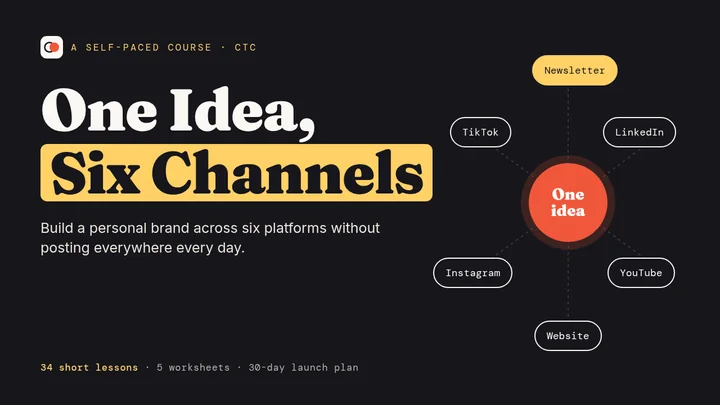
One Idea, Six Channels
A plain English course for building a personal brand across your newsletter, LinkedIn, YouTube, Instagram, TikTok and your own website, without posting everywhere every day.
- 34 short lessons in 8 modules
- 6 worksheets and templates
- A 30 day posting plan
Other channels